-
If HP Support Assistant is stuck on “Checking for updates,” close it, restart your PC, and run the scan again. If it is still stuck, check your internet and Windows… Read More
-
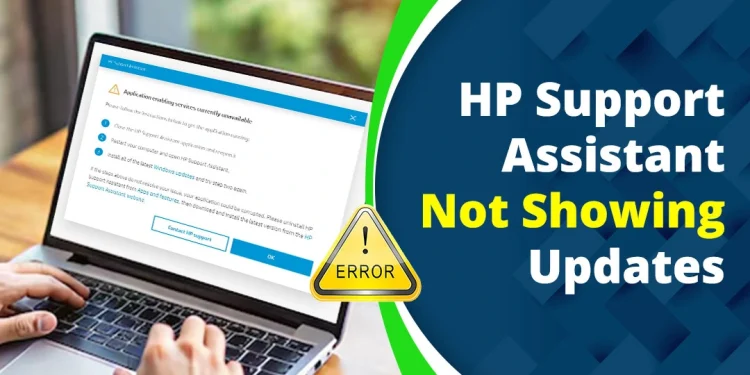
When HP Support Assistant is not showing updates, the problem is not always a missing driver. The update may already be installed, HP may not have released a newer package… Read More
-
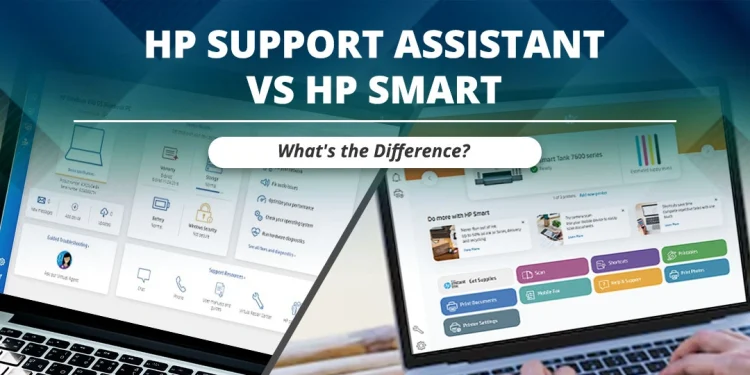
People often become confused when they see HP Support Assistant and HP Smart on an HP computer or phone. Both applications provide help for HP devices, but they are designed… Read More
-
If you’re facing the issue of HP Support Assistant not opening in Windows 11, you may be unable to check driver updates, run troubleshooting tools, or access HP support resources.… Read More
-
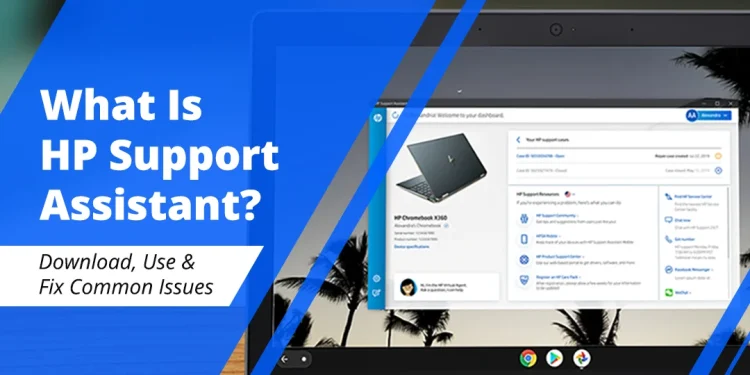
The individuals who are confronting issues related to HP products, devices, and printers can use HP Support Assistant software. With the help of this software, individuals can find updates, use… Read More

Recent Comments